Lion TV Parental Controls: Locking Channels and Categories
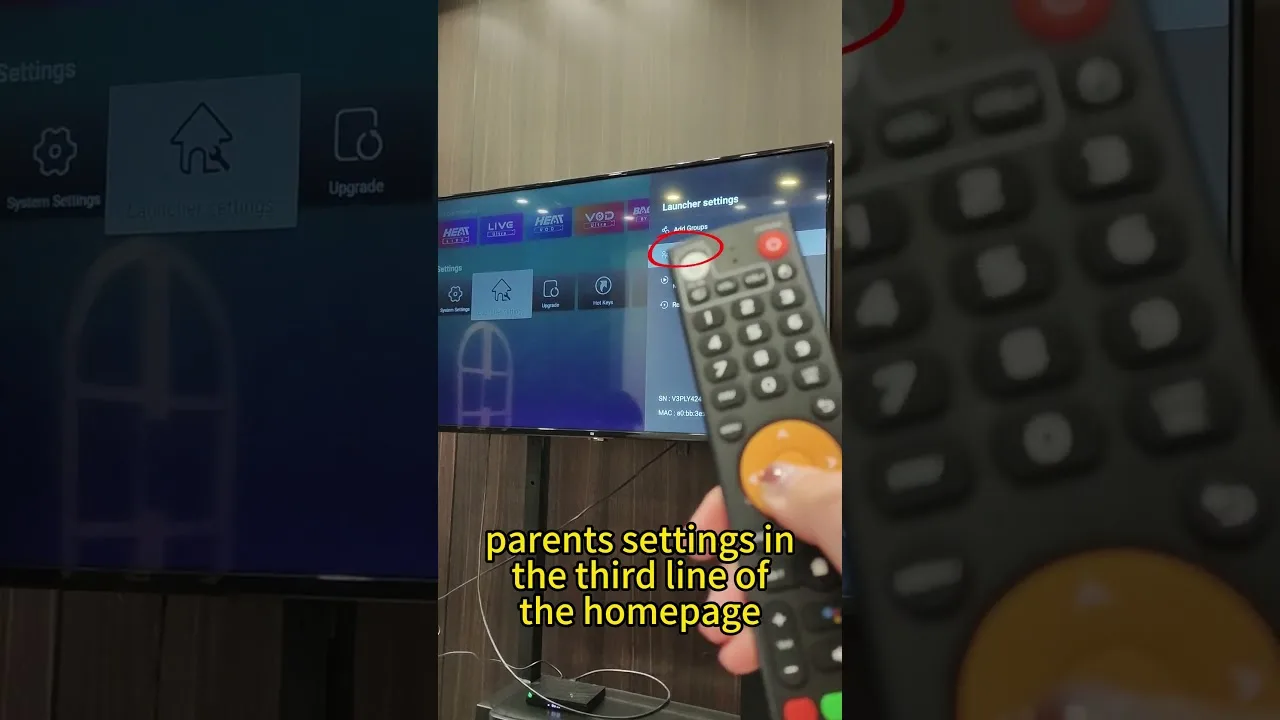
IPTV line-ups are not curated like a family streaming service: a single playlist can carry everything from cartoons to adult channels in adjacent groups. Lion TV parental controls — PIN locks and channel management — exist so households can draw the line themselves. This guide covers the player-level tools and how to combine them with Android's own controls into a setup that actually holds.
Start from an honest premise: no lock replaces supervision, but good locks mean supervision does not have to be constant.
Lock Adult Categories With a PIN
The core move is placing adult categories and channels behind the player's parental PIN. Choose a PIN the adults remember and children cannot guess — not a birthday, not the house number — and test the lock yourself from the channel list before relying on it.
Check the edges after locking: search results, recently watched rows, and the guide can all surface channel names even when playback is locked. A lock that blocks the stream but advertises the content is half a lock; hiding locked channels entirely, where the player offers it, is the stronger setting.
Hide and Remove What Should Not Be There
Where your playlists include categories the household will never use, hiding or removing them cleans the interface and removes temptation in one stroke. Favourites discipline helps too: a children's front row built deliberately — the method in our favourites guide — gives young viewers an easy, approved default path.
Remember the playlist itself belongs to your provider: if a package includes content you do not want in the house at all, ask the provider whether a family or filtered package exists. Removing content at the source beats filtering it on every device.
Add Android's Device-Level Controls
Player locks guard the app; Android guards everything else. A restricted profile or a separate user on shared tablets, app pinning for the youngest children, and Digital Wellbeing time limits together close the gaps a single app's PIN cannot — such as a child simply opening a different app.
On the family television, protect the settings themselves. A TV box whose settings are open lets a determined child remove the player lock in a minute; a PIN on device settings makes the whole arrangement durable.
Review as Children Grow
Family setups drift: children age, new devices arrive, playlists change. Review the locks each season — what is locked, what is hidden, whether the PIN is still unknown to its intended audience — and loosen deliberately as children mature, explaining the changes as you make them.
That conversation is the real control system. Locks handle childhood's beginning; understanding handles the rest, and households that talk about why categories are locked raise viewers who make good choices when no lock is present.
Final Thoughts
PIN on the adult content, hidden categories where possible, a curated front row for children, device controls underneath, and a seasonal review. Layered like that, Lion TV becomes a service the whole household can share without anyone stumbling into the wrong end of the line-up.