Lion TV Favourites and Channel Groups: Tips for Faster Viewing
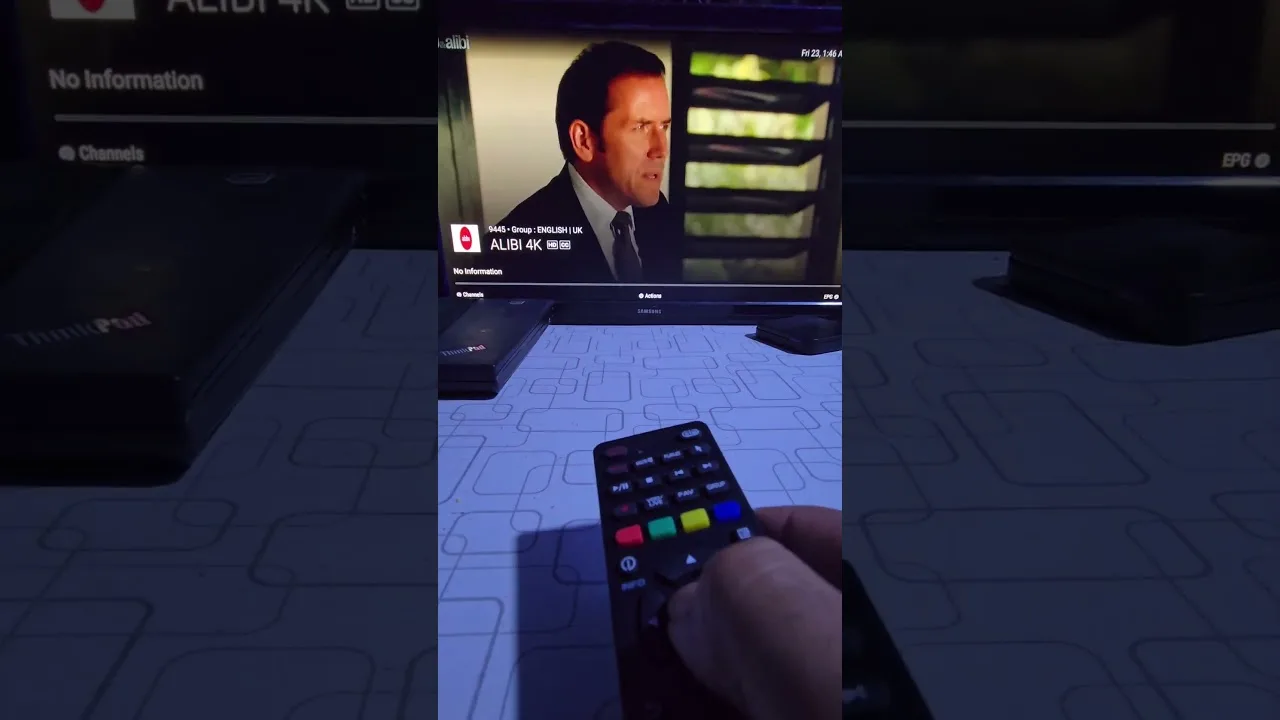
A full IPTV line-up can run to thousands of channels, of which any household honestly watches perhaps twenty. Favourites and groups exist to bridge that gap: they let Lion TV favourites become your personal front page, while provider groups stay available for exploration. This guide shows how to build both into a system that makes everyday viewing two taps deep at most.
The mindset shift is simple: stop navigating the library and start curating your corner of it.
Build the Front Row First
Add every channel you watched in the last fortnight and nothing else. News, your sports channels, the two film channels that earn it, the children's staples — a row of ten to fifteen genuine regulars covers the overwhelming majority of real viewing.
Order matters where the player allows it: most-reached channels first. The row should answer the everyday question — 'put the news on', 'find the match' — without a single menu in between. Our playlist organisation guide shows how this row sits across several providers at once.
Use Groups for Exploration, Not Daily Life
Provider groups — by country, genre, or package — are the library's shelving: excellent for discovering something new on a browsing evening, wrong for daily use because they include everything, watched or not. Treat groups as the place you visit when favourites run dry, and promote anything that earns repeat viewing into the favourites row.
New users often do the opposite, living in the groups and never building favourites, then conclude the app is 'full of scrolling'. The app is a library plus a front row; the front row is the product.
One Row per Person, Where Possible
Where the player or the device allows separate lists or profiles, give each household member their own favourites. A parent's news-and-documentaries row and a teenager's sports-and-series row serve both better than one negotiated compromise list that satisfies nobody.
On a shared television without profiles, agree a household row together and keep personal lists on personal phones. The arrangement sounds fussy; in practice it ends the nightly scroll-and-debate in most homes.
Keep the Row Honest
Favourites decay. Series end, seasons finish, interests move. A two-minute prune each month — removing what nobody has opened and adding what everybody keeps searching for — keeps the row trustworthy, and a trusted row gets used, which is the whole point.
If you find yourself searching for the same channel repeatedly, that is the row telling you it has a gap. Favourite it on the spot; the two seconds it takes repay themselves the next evening.
Final Thoughts
Favourites for the daily twenty, groups for discovery, a row per person where you can, and a monthly prune. Build that, and Lion TV stops feeling like a warehouse of channels and starts feeling like your television.