How to Add an M3U Playlist to Lion TV: Step-by-Step
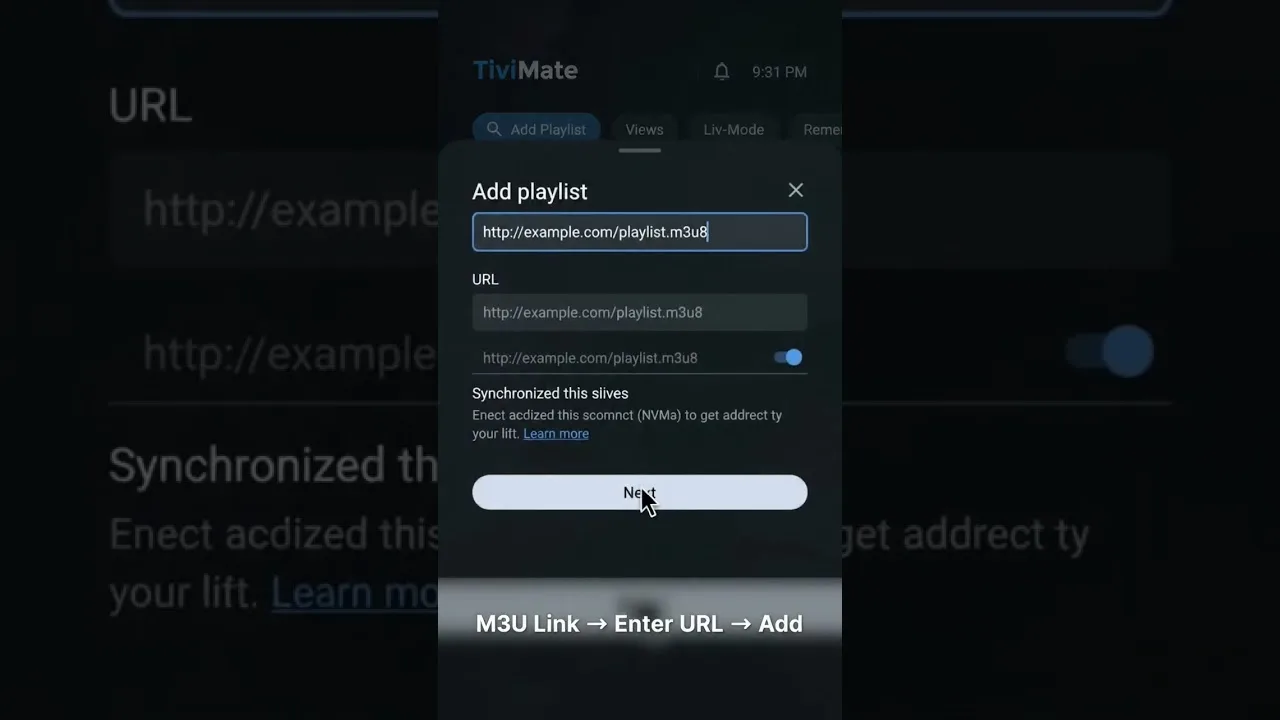
The M3U playlist is the most common way IPTV services deliver their channels: a single URL from your provider that tells the player what exists and where each stream lives. Adding it to Lion TV IPTV player takes a couple of minutes, and doing it carefully the first time prevents the classic problems — empty lists, endless loading, and channels that vanish on the next launch.
This guide assumes you already have a playlist URL from a provider you subscribe to. Lion TV is the player; the playlist and the service behind it are your provider's, which is why some later checks point in their direction.
Before You Start
Copy the URL exactly as your provider supplied it. Playlist links are long and case-sensitive, and a single altered character produces a list that loads nothing. Paste rather than typing wherever possible, and keep the original message from your provider safe — you will want that exact link again on every new device.
Connect to reliable Wi-Fi for the first load. A large playlist can take a little while to download and organise, and an interrupted first load is the commonest cause of a playlist that looks broken when it is merely unfinished.
Adding the Playlist
Open Lion TV's playlist or add-playlist area, choose the M3U URL option, give the playlist a recognisable name — the provider's name works well — and paste the URL into the link field. Confirm, and let the player download and build the channel list without interruption.
When loading completes, channels appear grouped exactly as your provider arranged them: by country, category, or package. If an EPG source is offered alongside, add it the same way; our EPG guide covers matching the guide to the playlist when programme data does not appear.
If Channels Do Not Appear
An empty list after loading almost always means one of three things: the URL was pasted incompletely, the provider's server is temporarily down, or the subscription behind the link has expired. Re-paste the URL from the original source first — that single step resolves most cases.
If the exact URL still loads nothing, test it later before concluding anything: provider maintenance windows are common and rarely announced. Persistent failure with a verified URL and an active subscription is a provider question, and they can check the link from their side.
Keeping Multiple Playlists Organised
Many users eventually carry two or more playlists — different providers, or a main service plus a backup. Name each one clearly at the moment you add it, because 'Playlist 1' and 'Playlist 2' mean nothing a month later. Our multiple playlist guide covers organising, ordering, and pruning them as the collection grows.
Remove dead playlists promptly. A list that no longer loads still costs the player time at every refresh, and a tidy playlist screen is noticeably faster to navigate on TV boxes and older phones.
Final Thoughts
Exact URL, reliable connection, patience during the first load — that is the entire discipline of adding an M3U playlist. Do it once, carefully, and Lion TV turns a bare link from your provider into a full channel line-up you can organise, favourite, and watch anywhere.